
Press kit
OmniDock press kit
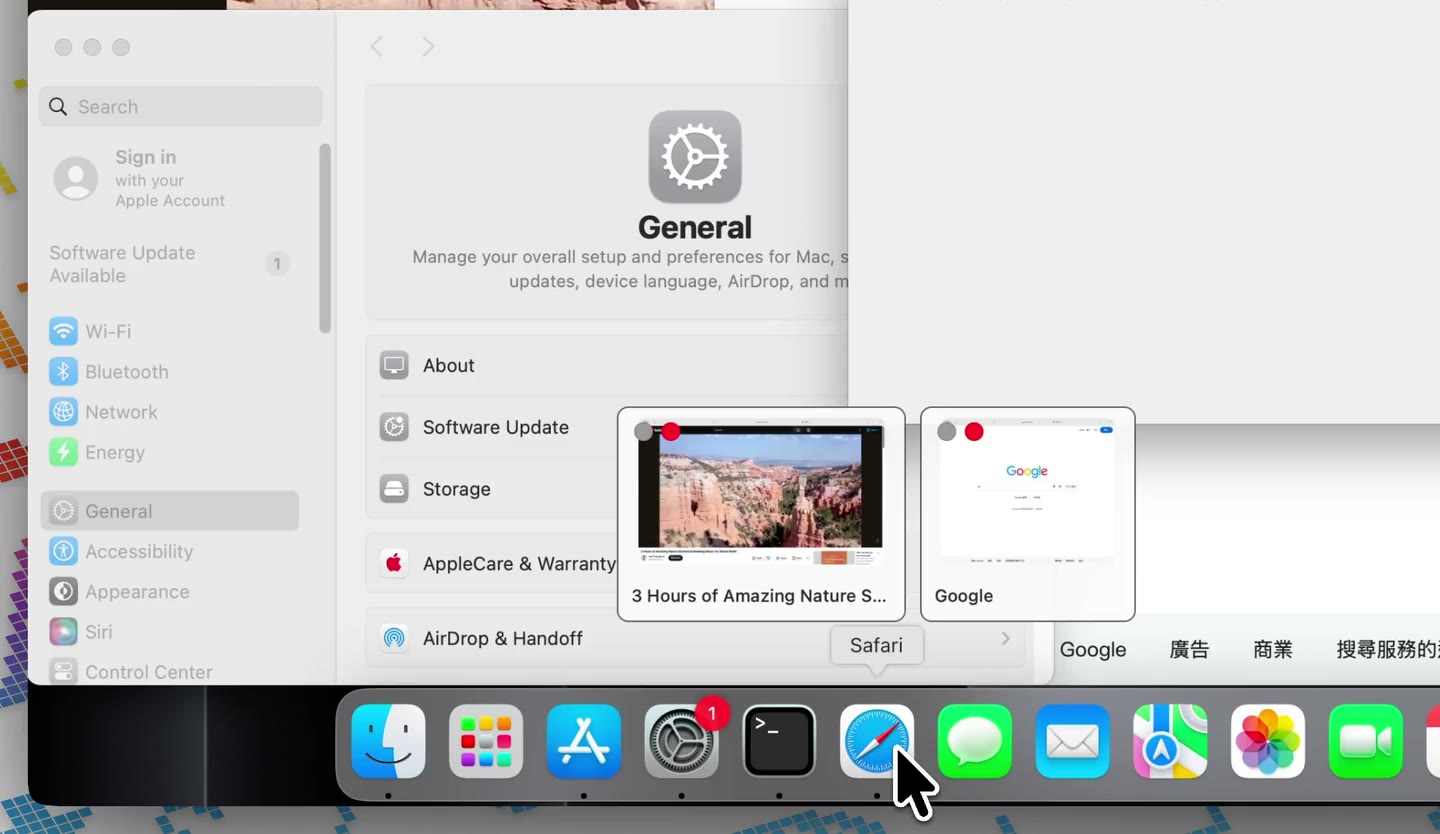
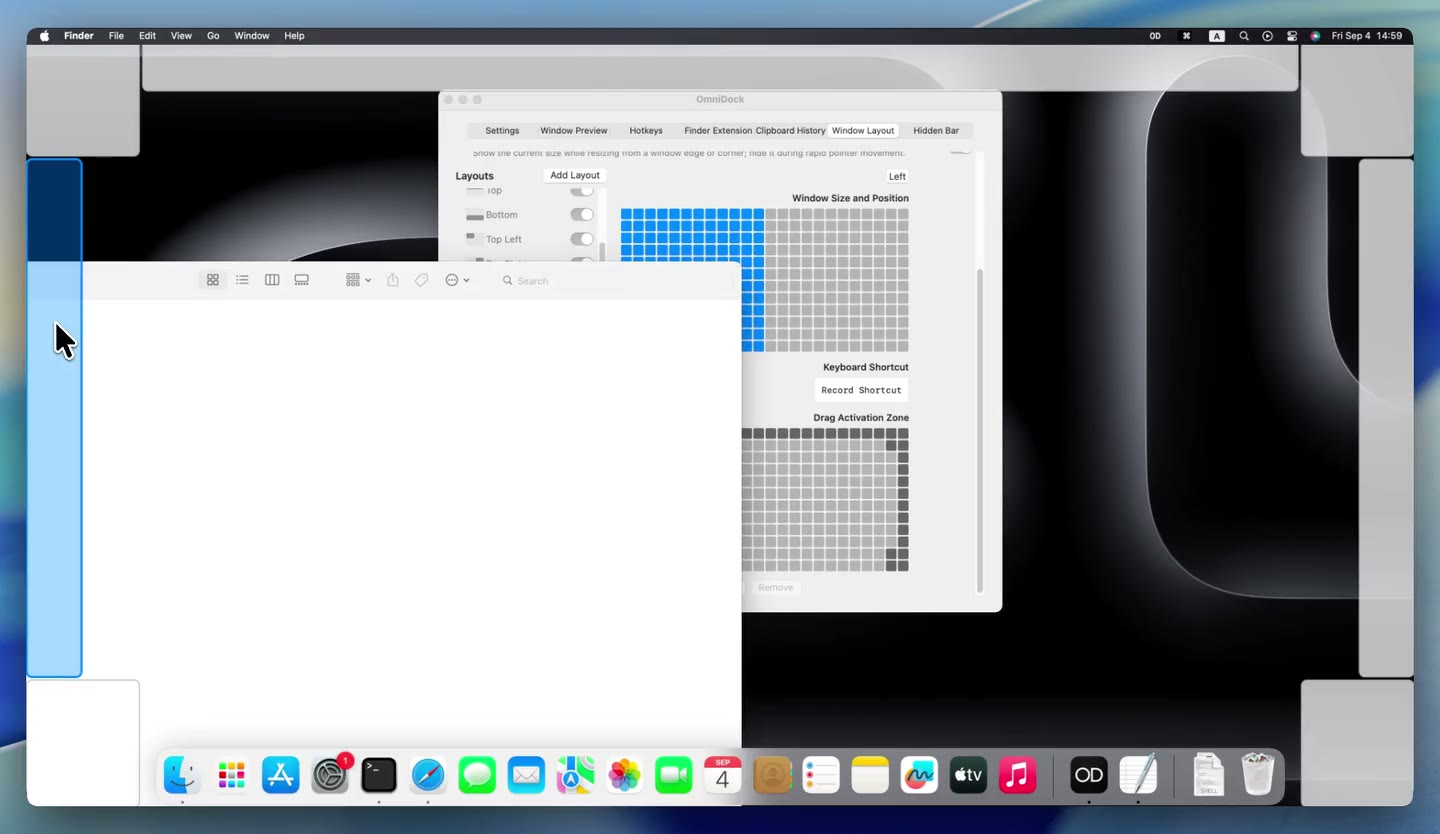
Writing about OmniDock or putting together a video? Here are the short description, icons, and feature recordings in one place. The images below are frames from our demos, so you can see the product in use.
In one sentence
OmniDock brings Dock previews, app shortcuts, window layouts, and other everyday Mac controls together in one free, open-source app.
A little more detail
OmniDock is a macOS utility for people who want their everyday window and desktop actions in one place. It combines Dock window previews and click-to-hide with app hotkeys, window layouts, optional local clipboard history, Finder commands, and menu bar organization. Some interactions will feel familiar to people moving from Windows, without replacing macOS or promising identical behavior. Users can choose the features they want to enable.
Product facts
- Platform: macOS 12.3 and later; official downloads support Apple silicon and Intel.
- Availability: free download from the official website and GitHub releases.
- Languages: English and Simplified Chinese, with light, dark, or system appearance.
- Privacy: window previews and clipboard history are handled locally. Features request the permissions they need; update checks contact GitHub. Read the privacy policy.
- Source: GitHub repository. The repository explains its GPL-3.0-only code license and separate trademark terms. The code license is separate from permission to use the OmniDock name, icon, or media.
Icons and demo stills
Download the app icon or open a still from a feature recording. These stills come from feature recordings; the guides below explain setup and limitations.

From the developer
Why I built OmniDock
The everyday Mac controls I wanted in one place, and the choices behind OmniDock.
Watch the full feature overview
See Dock previews, app shortcuts, window layouts, clipboard history, Finder actions, and menu bar organization in one walkthrough. Use the individual recordings and guides below to explore a particular feature.
Feature videos
Six short, silent recordings show individual OmniDock features. Open a video to watch it, or follow the feature guide for setup and limitations.
Dock window previews
Hover over a Dock icon to preview separate windows, then choose the one you want.
App hotkeys
A short demonstration of launching or bringing forward assigned apps with shortcuts.
Window layouts
A short demonstration of placing a window with a drag activation zone.
Clipboard history
The searchable clipboard panel in use.
Finder commands
OmniDock commands in a supported Finder folder.
Coverage and asset-use questions
For product questions, updated materials, or permission to republish, adapt, or otherwise use these assets, contact support@omnidock.app. Please link to https://omnidock.app/en/ when referring readers to the official product. This page does not change the software license or grant additional trademark rights.